
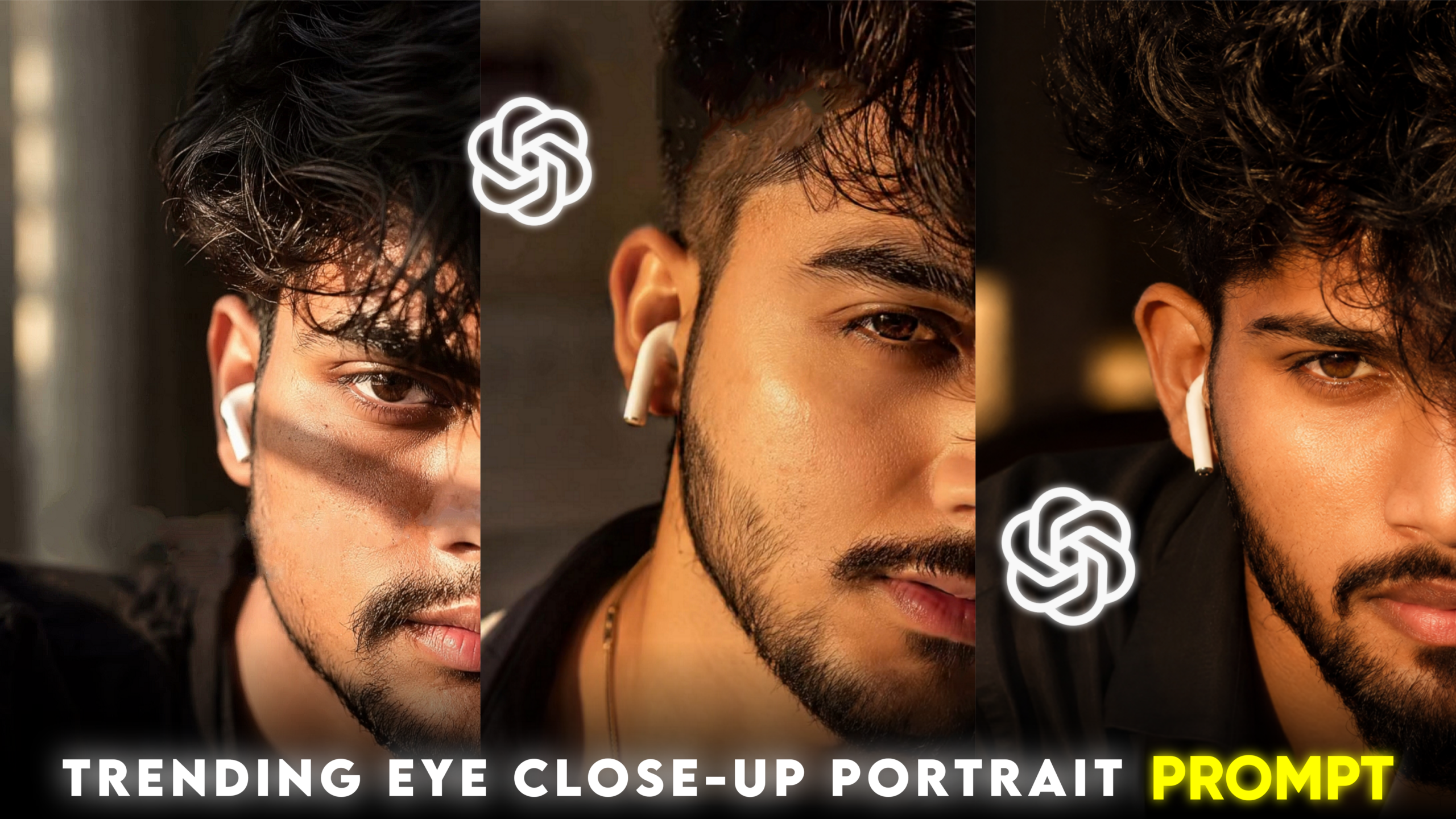
Trending Half-Face Portrait Editing
Hello friends, how are you all? I hope you are doing well. Today’s article is going to be very special for you. You may have already noticed the growing popularity of AI photo editing across social media platforms, especially on Instagram. People are no longer editing photos manually using traditional apps; instead, they are using various AI technologies to edit their images. Currently, various styles of AI photo editing are trending on Instagram, and one of the most popular among them is “Half-Face Portrait Editing.” This style looks incredibly beautiful. AI creates these edits by skillfully adjusting cinematic effects, color tones, lighting, and more. These edits feature a half-face view that creates an aesthetic look, easily grabbing people’s attention. Such photos are going viral on Instagram right now. Users creating and posting these AI-generated images are receiving a flood of likes, comments, and shares. Moreover, people aren’t just posting the photos; they are turning them into videos for YouTube Shorts, Instagram Reels, and Facebook Reels, garnering massive engagement there as well. If you take a normal photo of yourself, apply this AI editing style, and share it on social media—or create videos with it for Reels and Shorts—there is a very high chance your post or short will go viral. In this article, I will teach you step-by-step how to create this type of photo edit. So, if you want to try this out, be sure to read the entire article carefully from start to finish; I am confident you will learn the process easily. Let’s get started!
What is the trending half-face portrait editing style?
Friends, this trending half-face portrait editing is a social media craze that almost everyone is following right now; Gen Z, in particular, is frequently creating these types of photos for themselves. It gives the photo a unique aesthetic look that is visually stunning. In this style of editing, typically only one side of the subject’s face is visible, while the other side blends into the background. Additionally, various elements like color tones, lighting, cinematic effects, and sunlight effects are incorporated. The model is given an amazing, sharp look, with the hair texture appearing particularly impressive. The model wears a white earbud, and AI analyzes the eye to make it look incredibly attractive. Overall, AI does an excellent job of editing these photos.
Why is the trending half-face portrait editing style so popular right now?
Friends, there are several specific reasons behind the popularity of this trending half-face portrait editing style:
1. Cinematic Look
These photos feature a beautiful cinematic effect that evokes the storytelling quality of a movie.
2. Diverse Color Tones
This editing style utilizes various eye-catching color tones that easily grab people’s attention.
3. Lighting Effects
The lighting effects in this style are distributed across the background and the subject, creating a premium, high-quality look.
4. Social Media Popularity
Almost everyone is creating these photos and uploading them to social media profiles and stories, or using them to make videos for Reels.
5. Profile Pictures (DP)
These photos look fantastic when used as profile pictures (DPs) across various social media platforms.
6. Highlighted Features
AI analyzes these photos effectively, highlighting key facial features—such as the face, eyes, beard, and lips—with great precision.
Here is what you need to create this type of edit:
1. Photo
For this trending half-face portrait edit, try to use a clear photo where your entire face is easily visible. The better the AI can analyze your face, the more impressive the final edit will be. While you *can* use a full-body photo, I recommend using a half-body or close-up shot; for this specific style, having just your face visible is sufficient.
2. An AI App or Website—
Friends, you can use any AI tool for this type of photo editing, but I would suggest using either ChatGPT or Gemini AI; I expect you will get excellent results with them. I personally use one of these two for my own photo editing, and they are currently the most popular choices for this purpose.
3. An AI Prompt
Friends, you can write your own prompt for this kind of photo editing. Just make sure the prompt is detailed. The more clearly and specifically you describe what you want to the AI, the better the resulting edit will be. If you prefer, I am providing a detailed prompt below that you can use for this style of editing; I hope it helps you achieve great results.
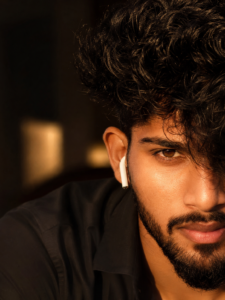
THE PROMPT 👇
Ultra-realistic cinematic close-up portrait
 of a handsome young man with only half of
 his face visible. Thick messy wavy hair
 covers one eye, revealing a deep brown
eye, sharp eyebrows, and a well-groomed
beard and mustache. Soft parted lips and
a white wireless earbud create a modern
 look. Warm golden-hour sunlight casts
dramatic highlights and shadows across
 his face. Natural skin texture with
visible pores, shallow depth of field,
 blurred indoor background, captured on an
 85mm lens at f/1.4, razor-sharp focus,
high contrast, DSLR-quality, photorealistic,
ultra-detailed, Instagram editorial
aesthetic.
How can you create this trending half-face portrait edit?
Friends, to create this type of photo edit, first copy the prompt I have provided within the article. Once copied, open either ChatGPT AI or Gemini AI on your phone; the editing process is the same for both. After opening the app, look for the ‘plus’ (+) option and click on it. Then, select the ‘Photos’ option, choose the photo you want to edit, and click ‘Done’ to upload it to the AI. Next, paste the prompt into the input field labeled “Ask ChatGPT” or “Ask Gemini” located below the photo. Click the ‘Send’ or ‘Generate’ button, and the AI will create your edited photo within moments. Once the photo is generated, tap on it to save it to your gallery. Simply following these easy steps will complete your photo editing.
Where can you use these photos?
You can use these photos as profile pictures on various social media platforms, such as:
• Facebook profile picture
• Instagram DP
• YouTube DP
• WhatsApp DP
• Snapchat DP
You can set them as your display picture (DP) on these platforms. Additionally, if you wish, you can simply post them on various social media sites.
Overall—
if you want an aesthetic, premium, and professional cinematic look for your photos, this trending “half-face portrait editing” style is an excellent option for you. This type of photo editing is currently going viral on social media, especially on Instagram. Thanks to the AI era, creating these kinds of images has become incredibly easy; by simply using a clear photo and the right prompt, you too can create these edits in no time. So, that’s all for today’s article—see you in the next one!
