
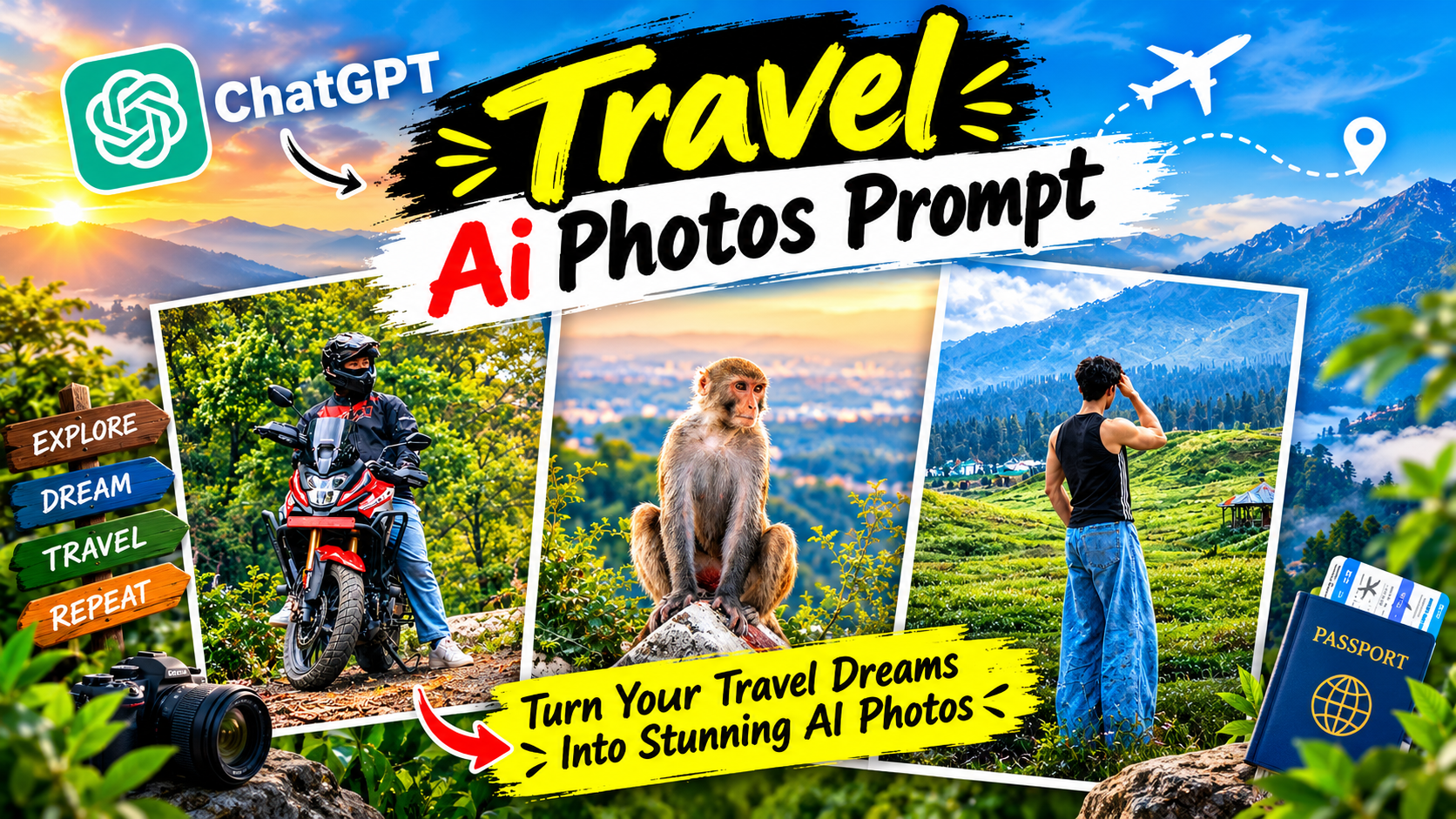
Create Stunning Mountain Travel Ai Photos Prompt-When you go traveling and take photos. Perhaps with the intention of posting them or sharing them as a status. You might find, upon returning home, that they don’t look quite as good as you’d hoped. You want your photos to look unique and creative. But even after trying to edit them on your phone. You just can’t achieve that distinctive, stylish look. I’ve noticed that travel photos—transformed into creative, visually stunning styles with the help of AI—are going viral on Instagram. People who travel are creating and posting these kinds of images. In this post, you’ll learn what you need to generate such photos, why they’ve become so viral, and how you can easily create these travel-themed images using ChatGPT. If you’ve taken photos while traveling, give this trick a try!
Create Stunning Mountain Travel Ai Photos Prompt
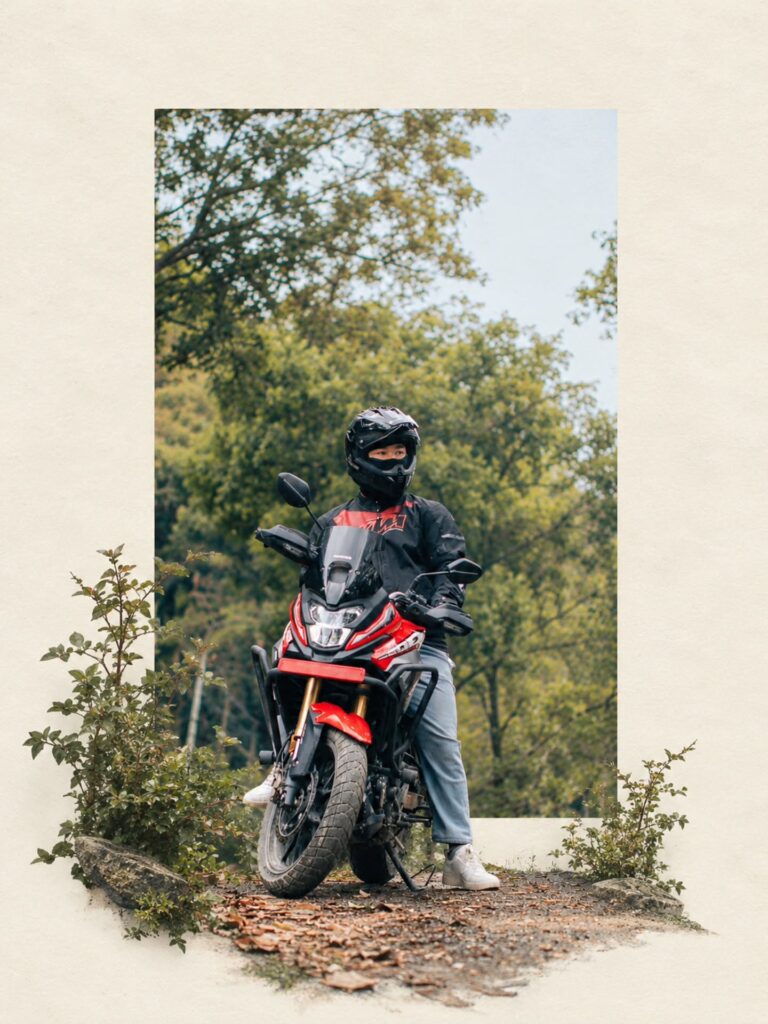
People who travel are often very active on social media, frequently posting updates from their trips. However, many of these photos fail to go viral—often because the image quality is poor or the background is unappealing. Instead of posting ordinary photos, you could use AI to create stunning travel images, which are far more likely to attract likes. These types of AI-edited photos are currently going viral because they are crafted in a way that instantly captivates viewers—making it nearly impossible for anyone to simply scroll past without leaving a like. In this specific style, the image appears to be set within a cream-colored paper frame, with elements like bushes, rocks, and a path of dry leaves spilling out beyond the frame’s edges. It looks as though a bike is entering a “paper world” through a window—much like a view seen through a pair of binoculars. Let’s take a look at what you’ll need to generate images in this style.
What Need To Create Stunning Mountain Travel Photos ?
Having a few things ready before you start generating photos will make the process much easier. First, you’ll need a ChatGPT account; you can create these images for free using the free version of ChatGPT. You will also need a photo of yourself—this is where most mistakes happen. Choose a photo where you are fully visible (standing or sitting), the lighting is good, and the image is clear (not blurry). For example, a photo taken on a rooftop or balcony in daylight—captured by someone else from behind or the side—would work best. Next, you’ll need a “prompt”—a set of instructions written in English that tells the AI exactly what kind of image you want. I’ve provided a prompt below that you can copy and use. With these things in place, you’re all set to generate your photos—let’s create one together!
Transform the uploaded photograph into
a premium minimalist editorial collage
inspired by luxury travel magazines,
contemporary fashion editorials, and
artistic outdoor photography FORMAT &
COMPOSITION: Create a strict 3:4 vertical
canvas. Use a warm ivory/off-white
background with subtle paper texture
and generous negative space Place a large,
clean-edged vertical rectangular crop of
the original photograph in the center,
slightly above the middle. Keep the priginal scenery recognizable inside the rectangle. Let the main subject naturally overlap and extend beyond the bottom edge of the rectangle into the ivory space. Where it looks natural, allow foreground flowers, grass, foliage, or rocks to extend beyond the frame as realistic photographic cutouts. Keep the layout asymmetrical but balanced, with the subject as the focal point. PRESERVE THE ORIGINAL: Use the uploaded photo as the source. Keep the subject as faithful to the original as possible: preserve identity, face, expression,. hair, clothing, pose, proportions, colors, and distinctive details. Do not beautify, redesign, or stylize the subject. Preserve the original landscape, lighting, textures, and atmosphere. Do not crop off important parts of the subject. STYLE: Photorealistic premium travel editorial, minimalist Swiss-inspired art direction, warm ivory paper, muted earthy colors natural greens, subtle film grain, realistic edges, and soft believable shadows dusty blues, RESTRICTIONS: No text, typography, logos, watermarks, extra subjects, unrelated objects, illustration, cartoon effects, HDR, oversaturation artificial glow, plastic textures, or exaggerated shadows. Do not distort proportions. If preserving the original subject conflicts wit the layout, prioritize the subject FINAL RESULT: A refined out of the photorealistic editorial collage with a vertical rectangular photo and the original subject or natural foreground breaking frame into the surrounding
ivory negative space
How To Create Stunning Mountain Travel Photos Using Chat Gpt?
To generate these types of photos, please get everything ready that I mentioned earlier. If you have everything prepared, follow my steps. First, open the ChatGPT AI tool and create an account. Next, upload the travel photo you’ve taken—click the plus (+) icon to upload it. Now, look for the prompt provided above and copy it. Once copied, paste it into ChatGPT and click the ‘send’ button. Wait a few moments, and your original travel photo will be transformed into a stunning travel image.
FAQ
1. Does it cost money to create images using ChatGPT?
No, it is completely free; however, there is a limit on the number of images you can generate per day. If you want to create more images, you might need a paid plan.
2. What other tools can be used besides ChatGPT?
Apart from ChatGPT, you can use AI tools like Google Gemini, Meta AI, or Leonardo AI. I personally use ChatGPT because I consider it the best AI photo generation tool.
3. What should I do if my face or clothing changes?
If you encounter this issue, simply add the following to the end of your prompt: “Keep my face, hair, clothes, bike, and pose exactly the same.” This will ensure that your face remains consistent.
Overall
So, my friend, the whole process is actually quite simple. With a good image, a clear prompt, and AI tools, you can easily create an image of yourself sitting by the mountains—all from the comfort of your own home. Whether it’s a snow-capped peak or the edge of a blue lake, it’s all now accessible right from your phone. Just keep one thing in mind: while these images look beautiful, they are AI-generated. If you decide to post them, it’s a good idea to mention in the caption that the image was created using AI. You could even include the prompt you used; it might help others who want to generate similar photos. I hope you won’t have any trouble creating stunning travel photos!
