
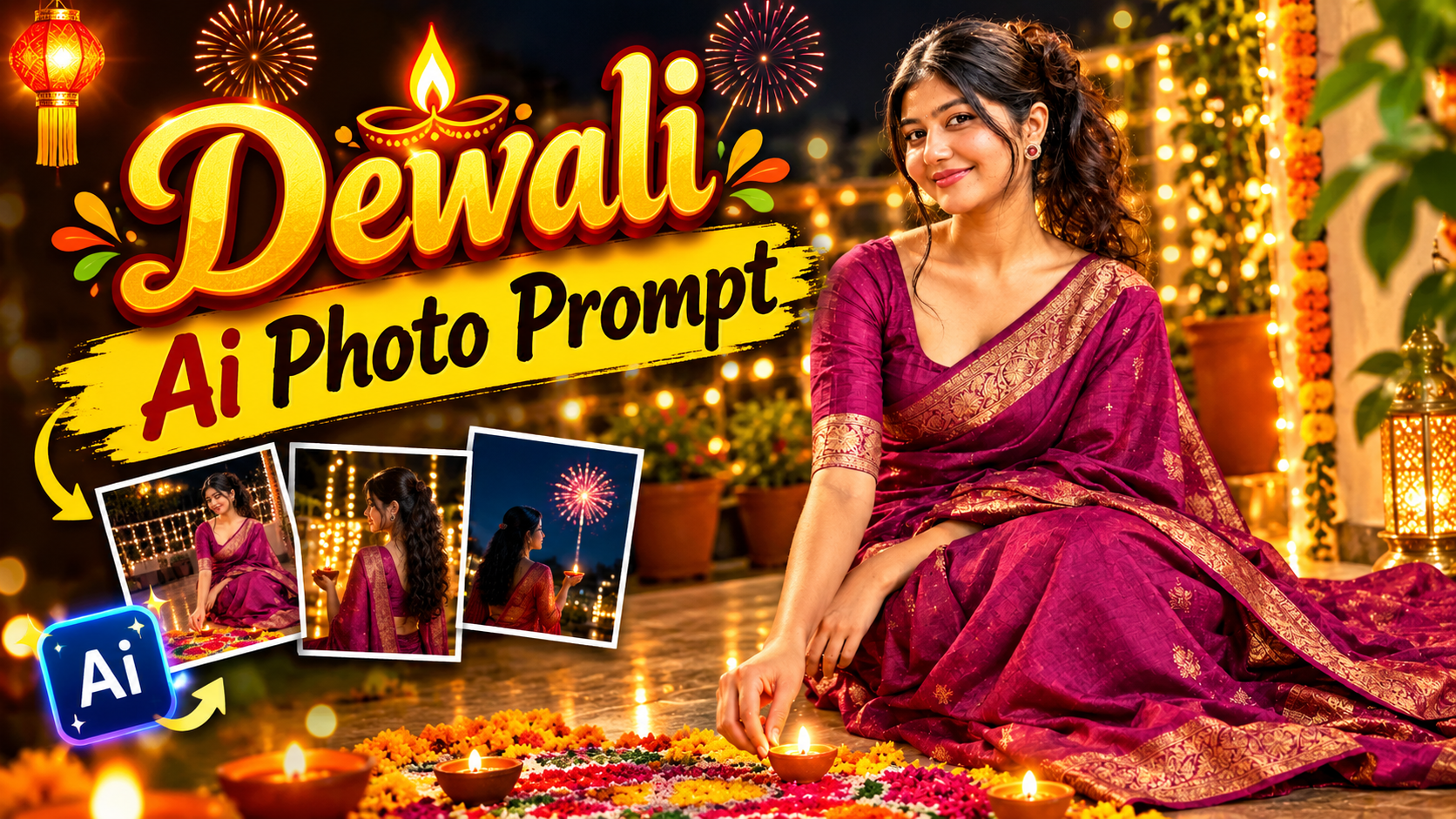
Dewali Spicial Ai Photo Editing-Diwali is not far away, just a few days left until Diwali, and we all know that this is the perfect time for taking photos. Clay lamps are lit in every home, rangoli is created at the entrance, and the entire neighborhood shines with decorative lights. Every year during Diwali, everyone takes photos for Instagram and Facebook. Every year, new AI photo styles emerge, and this time, a new style of photo has arrived in which we can see someone standing with a sparkler in their hand, with a few lights glowing in the background. These types of photos are going viral this year. But these photos were not shot with any camera; they were created using AI. If you have the right Diwali prompt and a powerful AI photo generator app, you can easily create these photos too. If you don’t have a prompt, use the one I have provided. Today, we will learn step by step how to create these Diwali special photos. If you want to post something different this Diwali, then watch this article till the end.
Dewali Spicial Ai Photo Editing
Before creating the photo, you should also see what the photo we are creating actually looks like. The Diwali photo we are creating features a model holding a lit sparkler in her hand and looking to one side with a sweet smile. But the real beauty lies in the surroundings. Long golden-orange streaks of light swirl like waves throughout the entire image. This is called long-exposure light trails, which are created when the camera shutter stays open for a long time while the light moves. In the background, tiny fairy lights appear blurred, looking like large, glowing circular dots. This is the photo description. Those who love lighting sparklers during Diwali can generate photos like this. The model’s outfit in the photo will also be changed to match the kind of clothes people wear during Diwali. We will generate these photos using ChatGPT. Nowadays, ChatGPT is available on almost everyone’s phone, so without wasting any more time, let’s learn how to generate photos using this app.
How Does Changing Photos Using ChatGPT Actually Work?
Many people think that if you upload a photo to ChatGPT, it will do everything on its own. But the reality is a little different. When you upload a photo and describe what you want, it looks at the image and understands what the person looks like, what they are wearing, and their pose. Then, based on your instructions, it creates a new image. So, why is the prompt so important? Imagine you go to a tailor and simply say, “Please make me a beautiful blouse.” What do you think he will make? He doesn’t know what kind of sleeves you want, what neckline you prefer, or what fabric you need. But if you say, “A dark green blouse with a V-neck, full sleeves, and sequins on it,” he will make exactly what you want.
ChatGPT works in exactly the same way. The more clearly you describe what you want, the better the result will be. That’s why having the right prompt is so important.
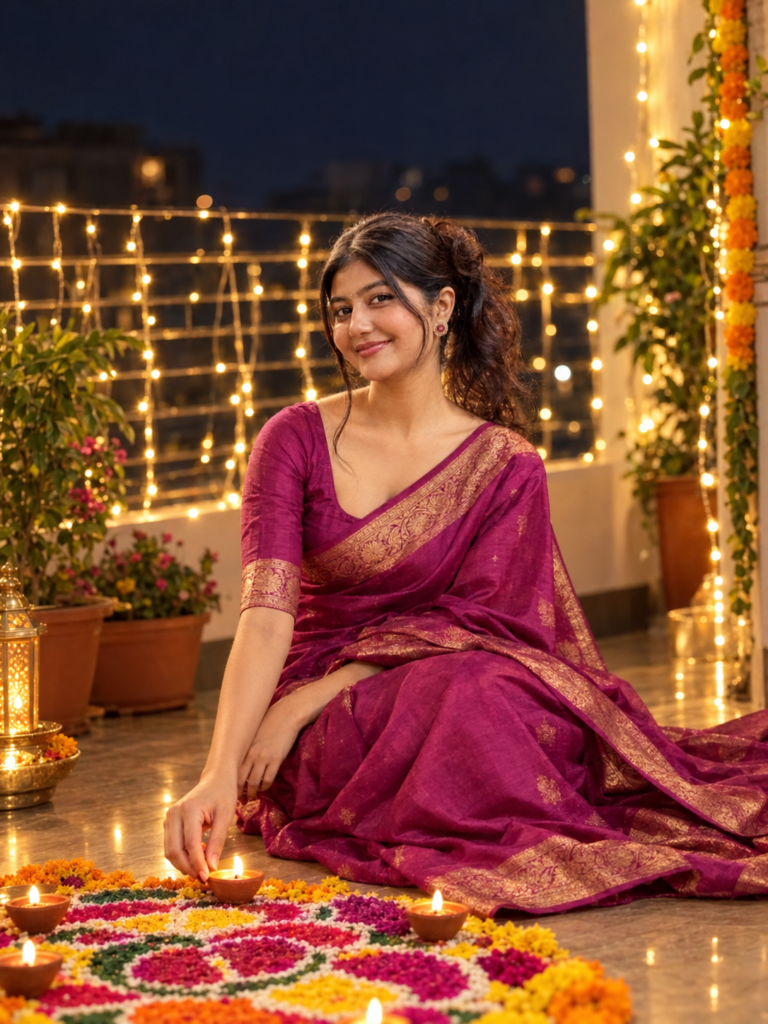
A high-quality realistic portrait
of a beautiful young Indian woman
in her early 20s, wearing an elegant
magenta Kanjeevaram silk saree with
traditional borders. She is sitting
gracefully on the floor of a
beautifully decorated balcony at
night, gently lighting a clay diya
placed on a colorful, intricate floral
rangoli design. The balcony railing is
adorned with glowing warm white fairy
lights creating a beautiful soft bokeh
background.
How To Use Dewali Spicial Ai Photo Prompt?
To generate these types of photos, first prepare a high-quality photo in which your face and body are clearly visible.
Now, download the ChatGPT app from the Play Store. Once it has been downloaded, create an account using your phone number. Next, open the ChatGPT home page. You will see a plus option there. Click on it, select the photo option, and add your photo from the gallery. Now, copy the prompt shown above and paste it into ChatGPT. Then, you will see a Generate option beside it. Click on that. After clicking, wait for a few moments, and your photo will be generated. Open the generated photo, click on the download button in the top corner, and download it.
Overall
You no longer need to do a photoshoot for Diwali. With the help of AI, you can create a professional photo for the Diwali celebration. Generating a photo is not very difficult. With my prompt, an app, and a normal photo of yourself, you can easily create a Diwali photo.
So, create your photo right now and let me know in the comments how it turned out after generating it.
