
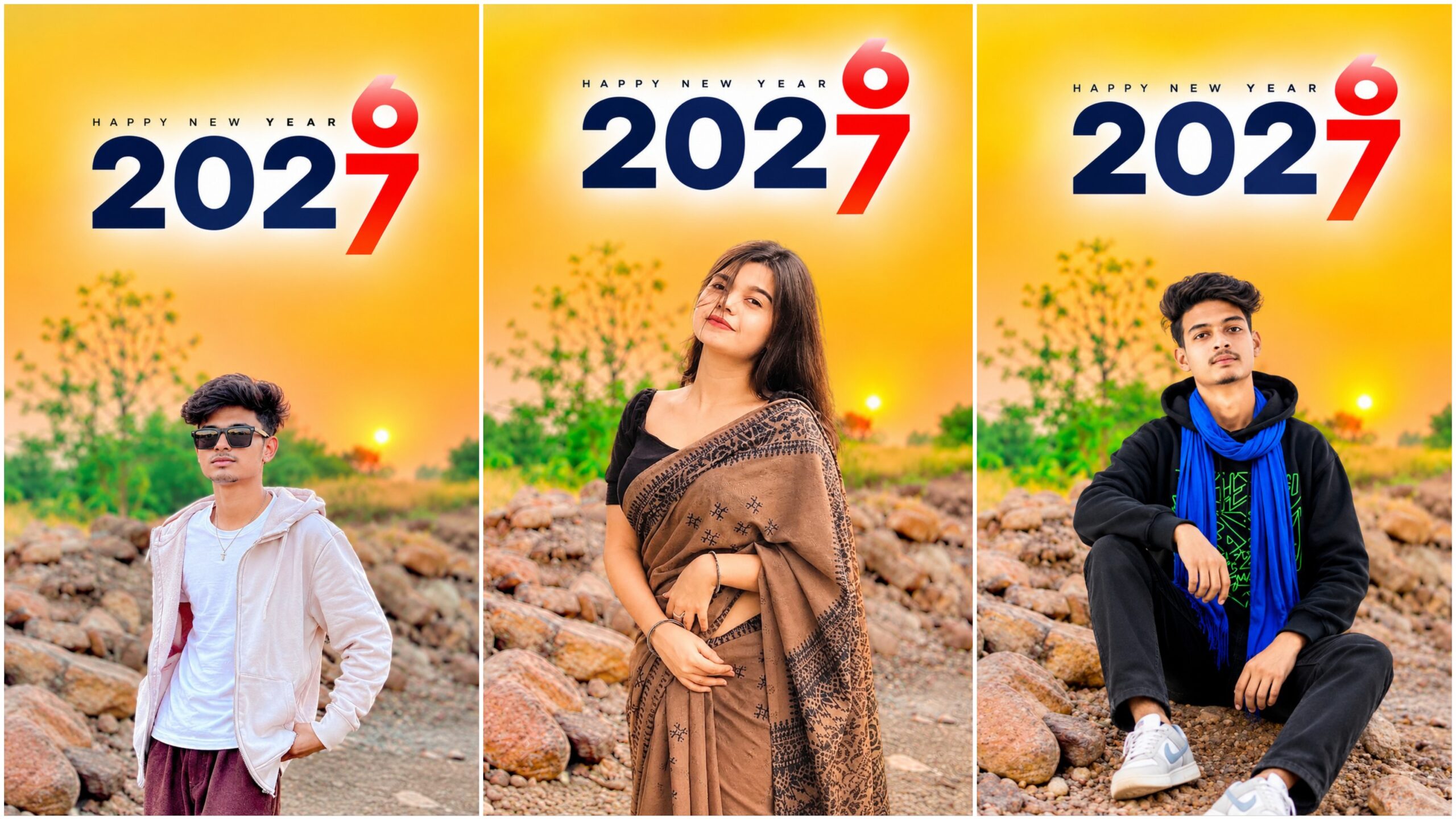
2026 End Ai Photo Editing Using Chat Gpt Prompt –Friends, the year is almost coming to an end. As December arrives, Facebook, Instagram, and WhatsApp statuses start filling up with New Year photos. You must have seen these photos featuring a golden sunset in the background, a big “Happy New Year 2027” text in the sky, and a boy or girl standing stylishly at the bottom. These photos are going viral on Instagram. With just a simple selfie and a short prompt in ChatGPT, you can also generate amazing photos like these. Everyone who sees these photos is commenting and asking how they were created. Earlier, creating such photos required editing in Photoshop, which took a lot of time. But now, photo editing doesn’t take that long. In this article, I’ll show you how to create and edit these photos.
2026 End Ai Photo Editing Using Chat Gpt Prompt
In this article, we will learn from the very beginning how to create a New Year 2027 photo using ChatGPT. You will learn which text to copy, what mistakes can ruin your photo, and how to make the final image look just like a real photograph. If you can take a photo with your phone, you can create amazing photos like these. Let me tell you a little about the photo. It has a beautiful background with a text in the sky showing the transition from 2026 to 2027. You don’t need any editing skills or much time to create these photos. Earlier, I used to edit manually using the PicsArt app to create similar photos. But now, I’ll use ChatGPT to create them with just one click. So, let’s see how to create this photo!
What Need To Generate 2026 End Ai Photo ?
Your Photo:
First, you will need a good-quality photo, and this is the most important part. Many people think that any blurry photo will work, but the clearer your photo is, the better the final result will be. Try to use a photo taken in daylight where your face is clearly visible. Your hairstyle and clothes should also be clearly visible because ChatGPT will use these details to generate the image. Front-facing or slightly side-facing photos, showing your body from the waist or knees up, work best.
AI Photo Generator App:
Next, you will need the ChatGPT app or website. The app has limited image generation access, but you can choose a subscription if you want more access. I selected the ChatGPT app because it is one of the best apps for generating AI photos.
Photo Background:
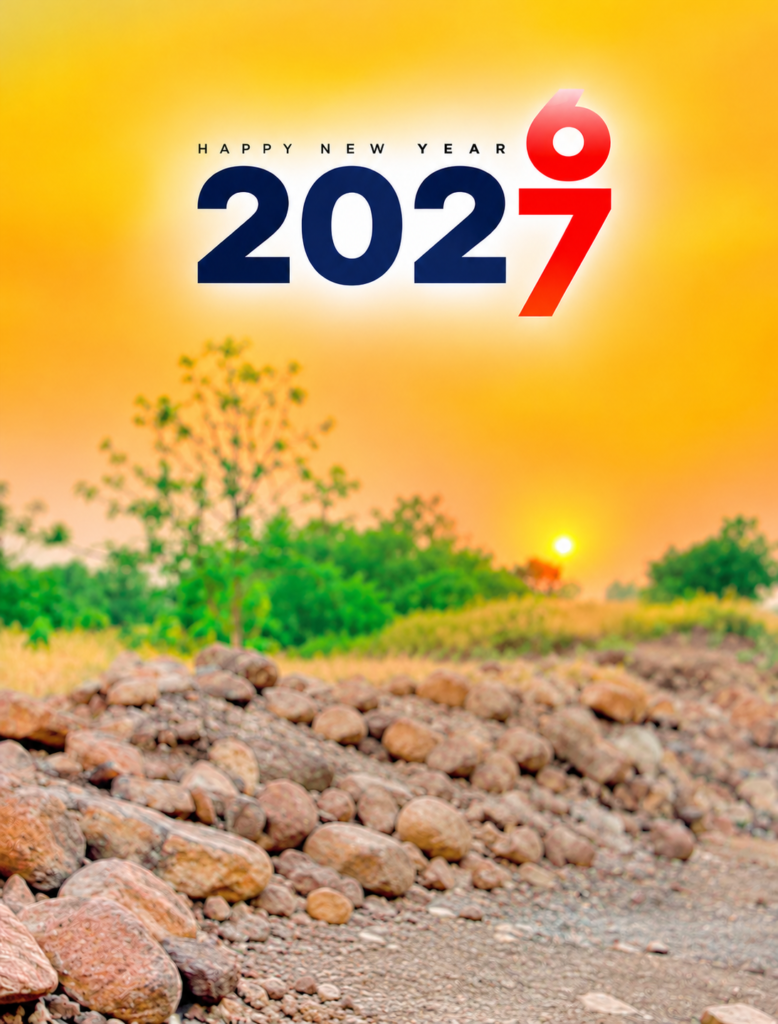
Along with this, you will need a background image where we will add our photo. You can find the background image above. Simply download it from there.
Photo Prompt:
Lastly, you will need an AI photo prompt. We will use this prompt to add our photo to the viral background. If you use this prompt, you will be able to blend your photo perfectly with the background.
Add the uploaded photo naturally

to the background. Keep the original

background, lighting, colours,

and overall design unchanged.

Make the photo look realistic

and perfectly blended with the background.
How To Use 2026 End Ai Photo Prompt Using Chat Gpt ?
To generate the photo, open Google and search for ChatGPT. Then visit the official website and create an account. Now, click on the Plus (+) option and upload your photo along with the background image. Next, copy the prompt provided above and paste it into the prompt box. Click the Send button to generate your photo. That’s it! By following these simple steps, you can easily generate your own viral New Year 2027 photo using ChatGPT.
Conclusion
The photo is generated! Now, let me share a few tips to make it look even better. Pay attention to the lighting. In sunset photos, if cool or white light falls on your face, the image can look unnatural, as if it has been pasted onto the background. So, add “warm golden light on my face” to your prompt. This will add a warm orange glow to your face and make the photo look more natural. Also, ask ChatGPT to slightly blur the background. In real camera photography, the person in the foreground stays sharp while the trees and background appear blurred. Adding this effect to your AI-generated photo will make it look much more realistic. How did you like this article? Let me know in the comments! Don’t forget to share this article with your friend who struggles to find a perfect photo every New Year!
