
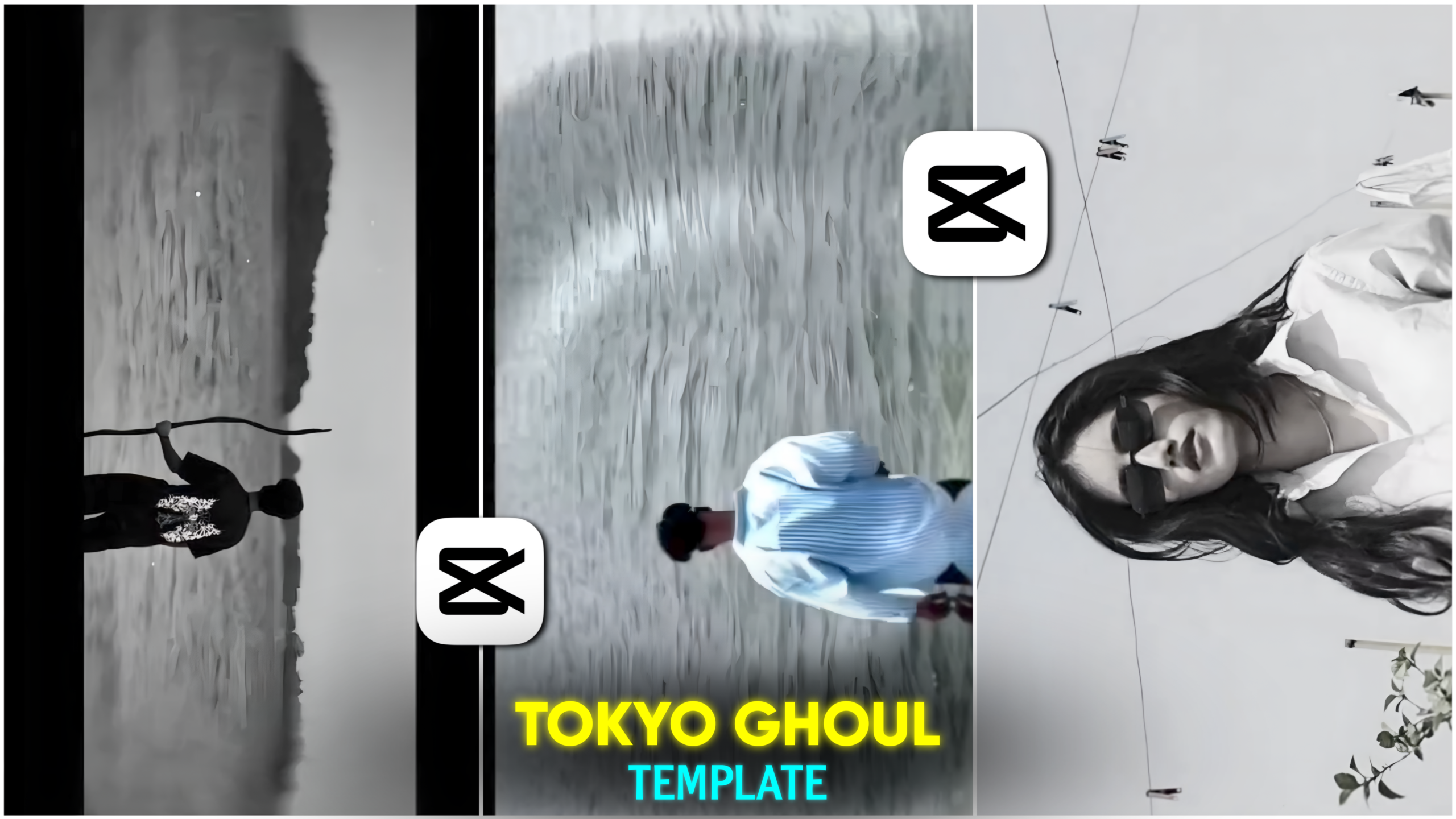
Trending CapCut Tokyo Ghoul Template
For those of you who use social media, you have likely come across the trending CapCut Tokyo Ghoul template video. People are currently creating and uploading these videos across various platforms—such as Instagram, Facebook, WhatsApp Status, and Snapchat—with a particularly high presence on Instagram Reels. These videos feature amazing effects, color grading, and lighting adjustments that make them incredibly engaging to watch. The best part is that you don’t need to do anything manually to create them; in this article, I am providing a pre-made video editing template that allows you to edit your own video with just a single click. Using this Tokyo Ghoul template, creators are showcasing dark, emotional, and mysterious visuals, garnering millions of views and likes in the process. The template I’m sharing enables you to create these videos easily, without requiring any prior editing skills. If you want to learn how to use this template for your edits, I will guide you through the entire process step-by-step in this article. So, make sure to read this post carefully from start to finish—let’s get started!
What is the Trending CapCut Tokyo Ghoul Template?
Friends, this trending CapCut Tokyo Ghoul template is a popular pre-made video editing template on social media. It is specifically designed around the trending “Tokyo Ghoul” background music. Users can create these videos with just a single click using their own photos or videos.
These videos feature various transition effects and dark color grading. The video begins with a flowing water-like effect that gives it a unique, premium look. This is followed by a slight inward movement—or “zoom-in” effect—which adds a professional touch. After a couple of seconds, a frame slides in from the top and bottom, gradually moving toward the center; the upper and lower sections shift to a black background, and the video “blinks” like an eyelid while the background simultaneously switches to black and white. Two seconds later, the frame moves away, revealing the full background again, and a final transition effect appears at the end.
In short, this is an amazing template created using dark color grading, various transition effects, slow-motion and fast-motion sequences, powerful music, and more.
Benefits of using the CapCut Tokyo Ghoul template –
Friends, the biggest advantage of using this Ghoul template is that you don’t need any prior editing skills to create a video with it. It is an excellent tool for new users, allowing anyone to create such videos in very little time with just a few clicks. In contrast, manual editing is time-consuming, and beginners often struggle to achieve a polished result, whereas experienced editors might manage it easily. If you are a beginner, however, this template is a fantastic resource for your editing needs. I have provided the link to this CapCut Ghoul template below; simply click it to start creating your video right away. First, click on the link labeled “Trending Ghoul Template,” and then I will explain how to use it.

Using the Trending Ghoul Template –
To use this trending CapCut Ghoul template, first click the link provided above; the template will appear on your screen. Next, look for the “Use Template in CapCut” option at the bottom of the template and click on it. A video preview will then appear with a “Use Template” button below it—click that button. This will open your gallery; select the video you wish to edit. Once selected, click “Next,” and your video will be generated shortly. After the video is ready, look for the “Export” option at the top right corner and click it to save the video to your gallery.
By following these simple steps, you can easily create your video using this template in very little time.
Regarding the current popularity of this ‘Ghoul’ template—
as you know, those who love creating Reels want to present themselves effectively on social media. Everyone desires a unique look for themselves and their videos. This ‘Ghoul’ template style is one such unique video editing approach. Currently, people are creating videos using this specific background music—some do it manually, while others use templates. While professional editors tend to create them manually, beginners often opt for templates. However, beginners need not worry; by using the template I’ve provided, they too can achieve pro-level editing. I have already explained above how beginners can edit their videos using this template.
Here are some tips for creating this edit:
If you are a beginner, here are a few points you can follow to make your video edit look even better.
1. Shoot Your Video
To edit your video using this ‘Ghoul’ template, you first need to shoot your own footage. Here is how you should shoot it: have someone record you using your mobile’s rear camera. You can ask a friend for help. Tell them to hold the camera straight and set the frame size to 16:9. Try to keep the total duration of the video around 5 seconds. After editing with the template, the duration will increase slightly because the video will include slow-motion segments.
2. Your Movement Style
When shooting the video, pay attention to how you move: walk away from the camera (showing your back to the lens). After walking a short distance, place your hand on your head and run your fingers through your hair. This will create a very aesthetic look when that specific part of the video plays in slow motion.
3. Video Background
You can shoot these types of videos anywhere. However, try to shoot outdoors rather than indoors.
4. Final Touch
Once you have edited the video using the template, you can customize it further. Feel free to adjust elements like slow-motion, effects, and transitions to your liking.
Following these steps will make your video look truly amazing.
Overall—
Friends, the trending CapCut Tokyo Ghoul template is one that can transform an ordinary video into a professionally edited one in no time. The various effects, animations, and color grading features within this pre-made template give a premium look to a standard video. If you enjoy video editing or creating Reels, you should definitely give the trending CapCut Tokyo Ghoul template a try; it elevates your ordinary videos to a professional level with just a single click. So, friends, that’s all for today’s article—see you in the next one. Stay well and stay healthy.
