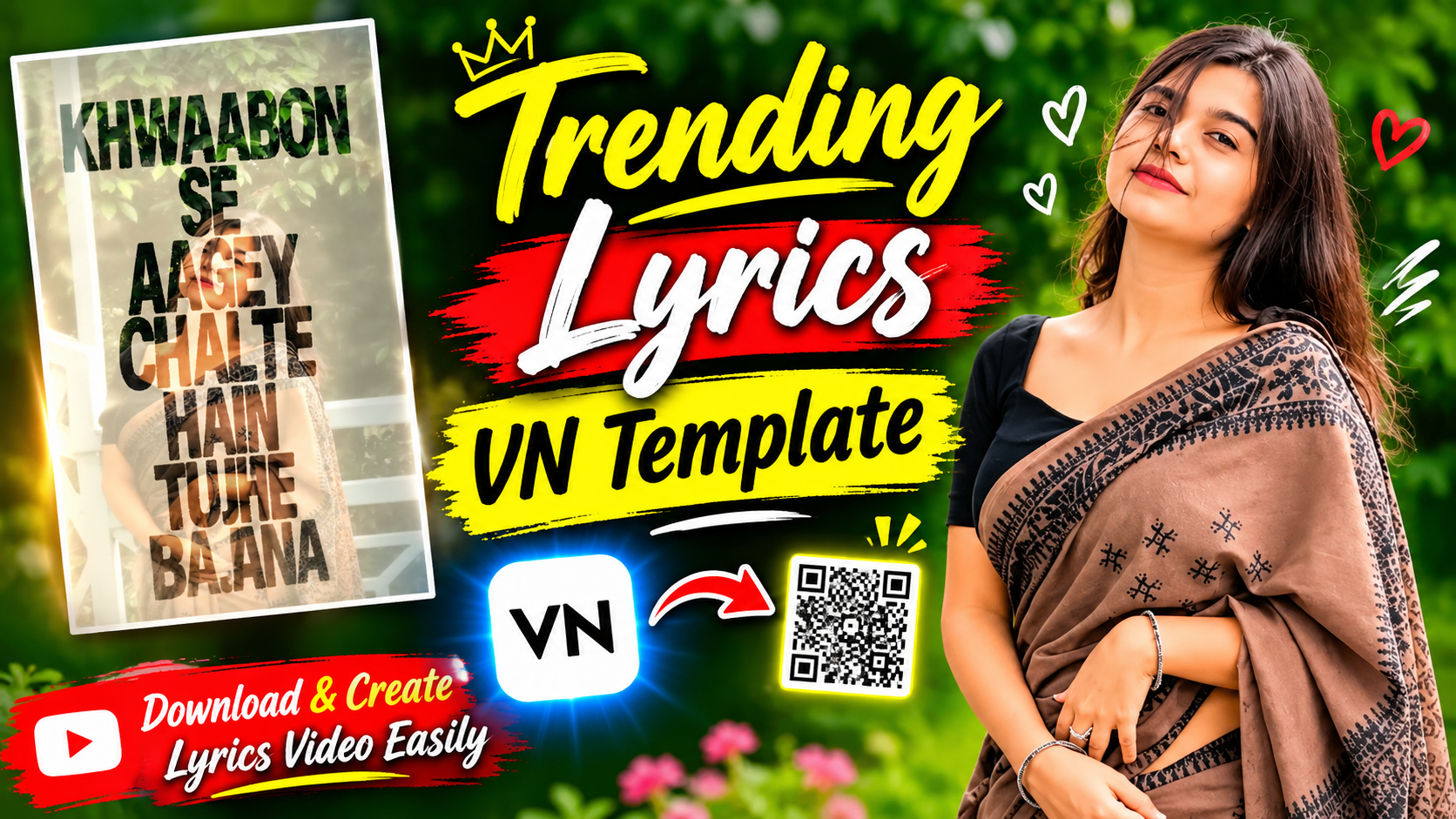
Trending Lyrics Videos have become very popular on social media nowadays. While scrolling through Instagram Reels, you must have seen videos featuring beautiful lyrics animations and stylish text along with trending songs. Many people want to create such videos using their own photos or favourite songs, but they don’t know how to edit them. So, in today’s article, I have brought you the Trending Lyrics VN Template, which will help you create beautiful lyrics videos easily without any complicated editing. In this article, you will find a complete guide on how to use the VN Template, download it, and create videos using your own photos.
Trending Lyrics VN Template
Trending Lyrics VN Template is a popular video editing template for the VN Video Editor app, which allows you to easily create beautiful lyrics videos with your favourite songs. Nowadays, these types of videos are quite popular on social media platforms like Instagram Reels. Trending Lyrics VN Template is a great choice, especially for those who love video editing. The best thing about this template is that you don’t need to create every text, animation, or effect separately. Simply open the template in the VN app and add your favourite photos or videos to create a beautiful lyrics video. It is also easy to use for beginners. If you want to create such videos and post them regularly on Instagram, you can easily do so using this template.
How to Download Trending Lyrics VN Template QR Code?
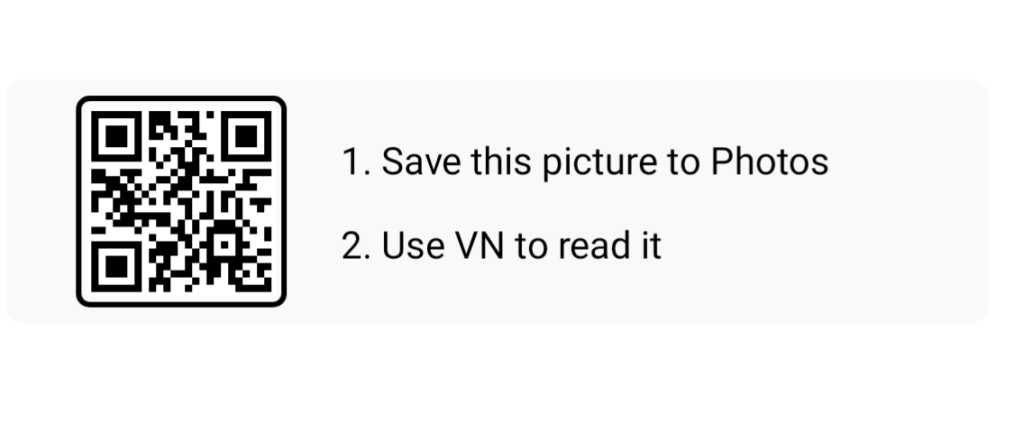
To download the Trending Lyrics VN Template, first click on the Download Link given below. After clicking the link, you will be redirected to the Google Drive page, where you can see the QR Code for the Trending Lyrics VN Template. Now, click on the Download icon at the top to download the QR Code or file. Within a few moments, the file will be downloaded to your phone. Once the download is complete, you can find the file in your phone’s File Manager or Downloads folder. Remember, you must have the VN Video Editor app installed on your phone to edit videos using the QR Code.
How To Use Lyrics Vn Template?
To use the VN Template, first open the VN Video Editor app on your phone. After opening the app, click on the Scan option at the top and scan the previously downloaded QR Code. Once the QR Code is scanned, the VN Template will open automatically. Now, select your favourite photos or videos and add them to the template. After adding everything, click on the Next option. The VN app will automatically create a complete lyrics video using your selected photos or videos. Once the video is ready, preview it to make sure everything looks good. Finally, click on the Export option to save the video to your phone’s gallery.
How to Fix VN Template Not Working Issues?
Sometimes, you may face problems while using a VN Template, such as the QR Code not scanning, the template not opening, or issues while exporting the video. If you face any of these problems, first check whether your internet connection is working properly. Next, update the VN Video Editor app from the Google Play Store. If the QR Code is not scanning, make sure the downloaded QR Code image is clear and complete. Also, check whether your phone has enough free storage space, as low storage can cause problems while exporting videos. If the template does not open, close the VN app and restart it, then try scanning the QR Code again. If necessary, you can also clear the app cache. By following these simple steps, you can solve many common problems related to VN Templates.
Conclusion
I hope that through today’s article, you have learned the complete process of downloading the Trending Lyrics VN Template, scanning the QR Code, and creating your own Lyrics Video using your favourite photos or videos. With the help of VN Video Editor, you can easily create attractive Trending Lyrics Videos without any complicated editing skills. This VN Template can be very useful for those who want to create beautiful Lyrics Videos for Instagram Reels, YouTube Shorts, or Facebook. So, without wasting any more time, download your favourite Trending Lyrics VN Template using the Download Link given above and start creating your own videos. If you liked this article, don’t forget to share it with your friends. Stay connected with our website to get more new VN Templates, Photo Editing ideas, and Video Editing Tutorials.
